
A little company for single-player games.
Two souls,one game,a brief spark.
Say hello to someone playing the same game. Share a moment. Leave whenever you like.
For Windows 10 and 11.
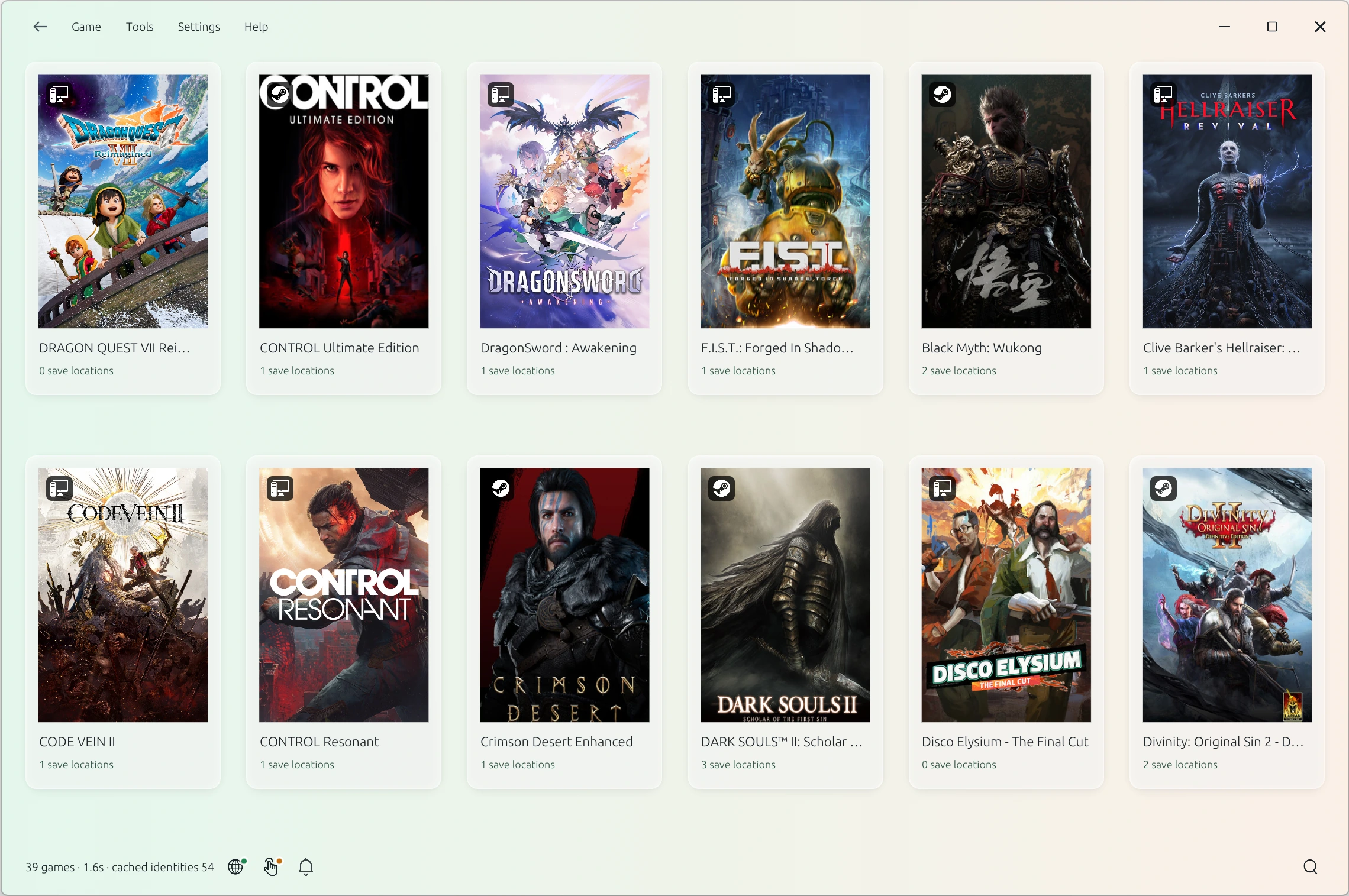
Same game.
A reason to say hello.
A tough boss. A great view. Sometimes you want to share it.
Turn on Touch to find people playing the same game. Say hello, ask for help, or have a five-minute chat when you both want to. No need to keep in touch.
Optional. On your terms.
Matches depend on other players being online and a working connection.
Keep a moment.
Try another path.
Back up your save before a big choice. Try another path, restore a backup, or undo your last restore.
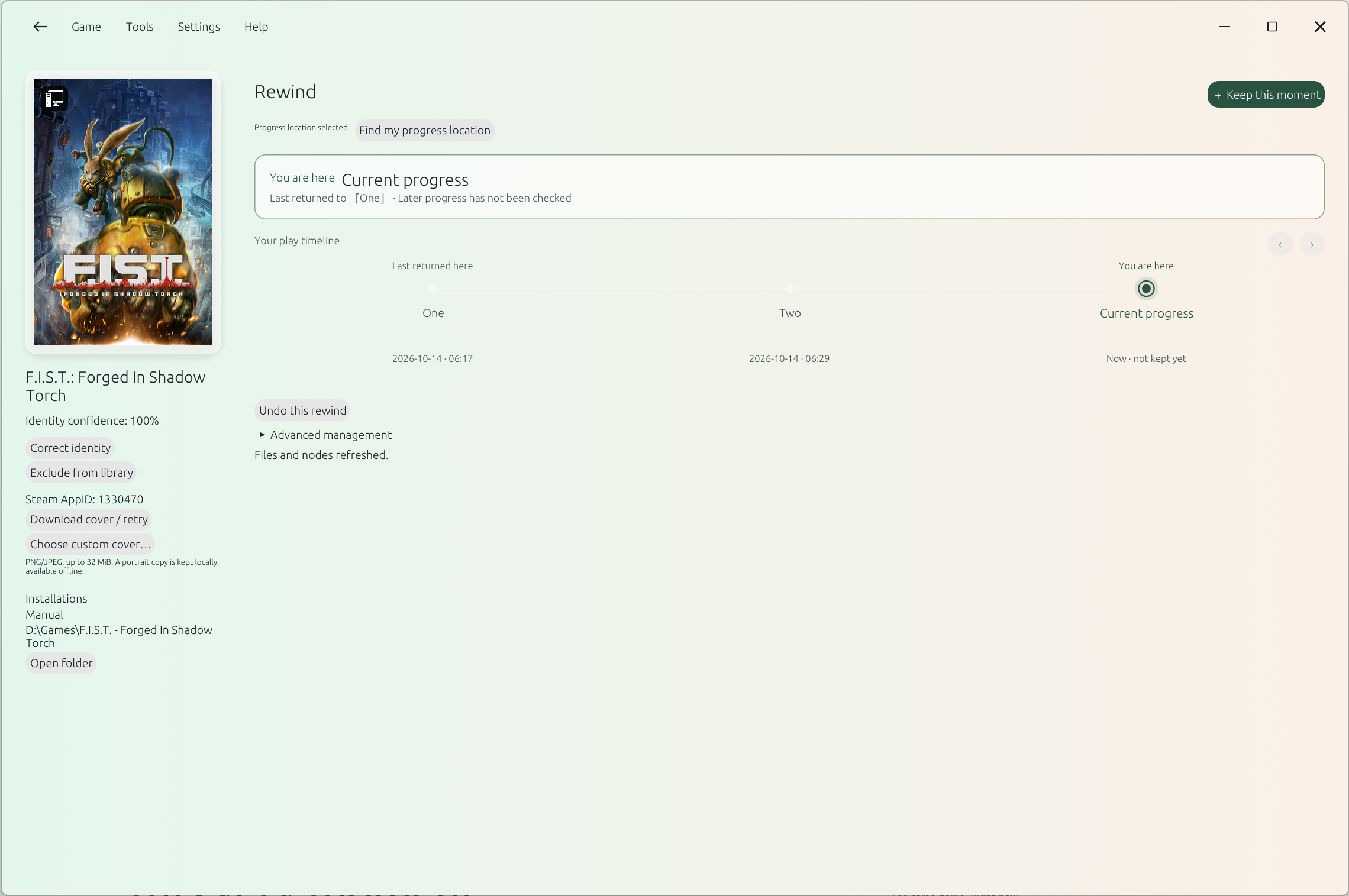
Back Up Save
Name your backup. Keep it on your PC.
Restore This Backup
Choose a backup, check its details, and restore it.
Undo Last Restore
Your current saves are kept before each restore.
Confirm once, in most cases. SoulSpark remembers your save location across restarts. If you switch accounts, game versions, or save folders, choose Check Again.
Before relying on it, test a backup and restore, then open the game to confirm it loads. Close the game before restoring and check cloud sync. Compatibility testing is ongoing.
Your games,
in one place.
Find installed games across Steam, Epic, Xbox / Game Pass, GOG, and local folders. Launch a game or open its supported save locations.
Game discovery and save lookup work offline. No telemetry.